Find
Largest videos first
Browse what’s eating storage—search, filters, sorted by size.
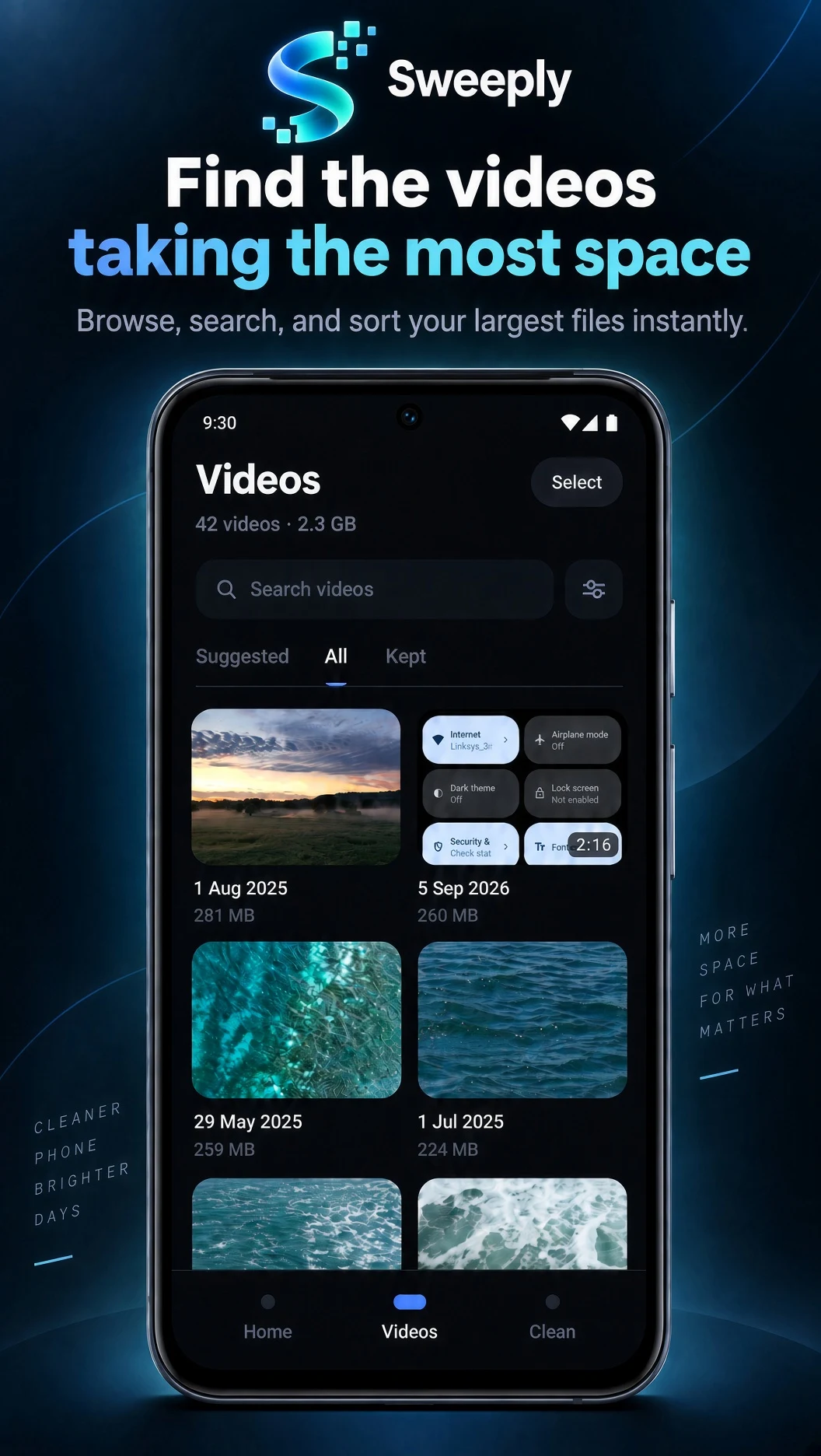
Videos · by size
Telryq Labs / Sweeply
Make large videos smaller on your Android device—without uploading them or deleting what you care about.
The useful difference
Large videos take more storage than they need. Optimization shrinks the file while the video stays on your device.
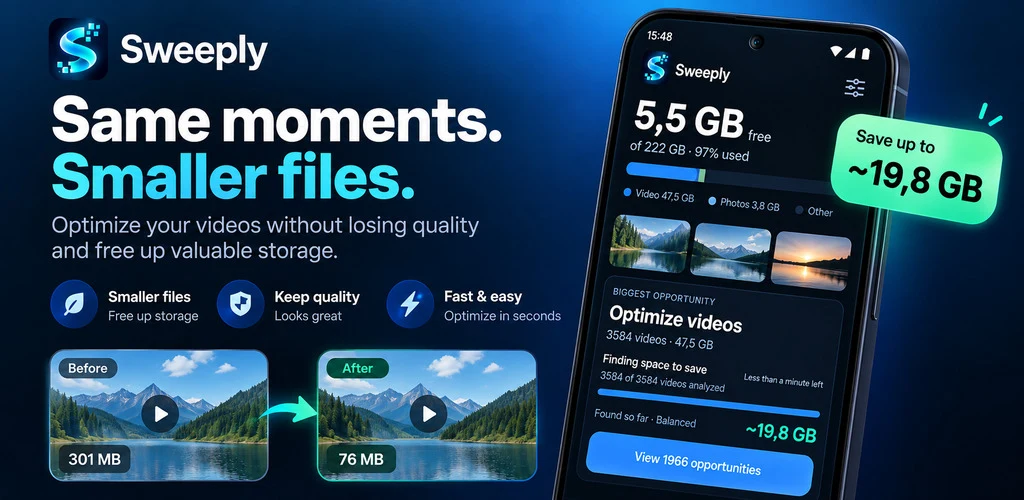
How it works
Start with the biggest files, pick the balance you want, and check the result before anything is replaced.
Browse what’s eating storage—search, filters, sorted by size.
Videos · by size
Pick the setting that fits. Estimated recovery shows before you start.
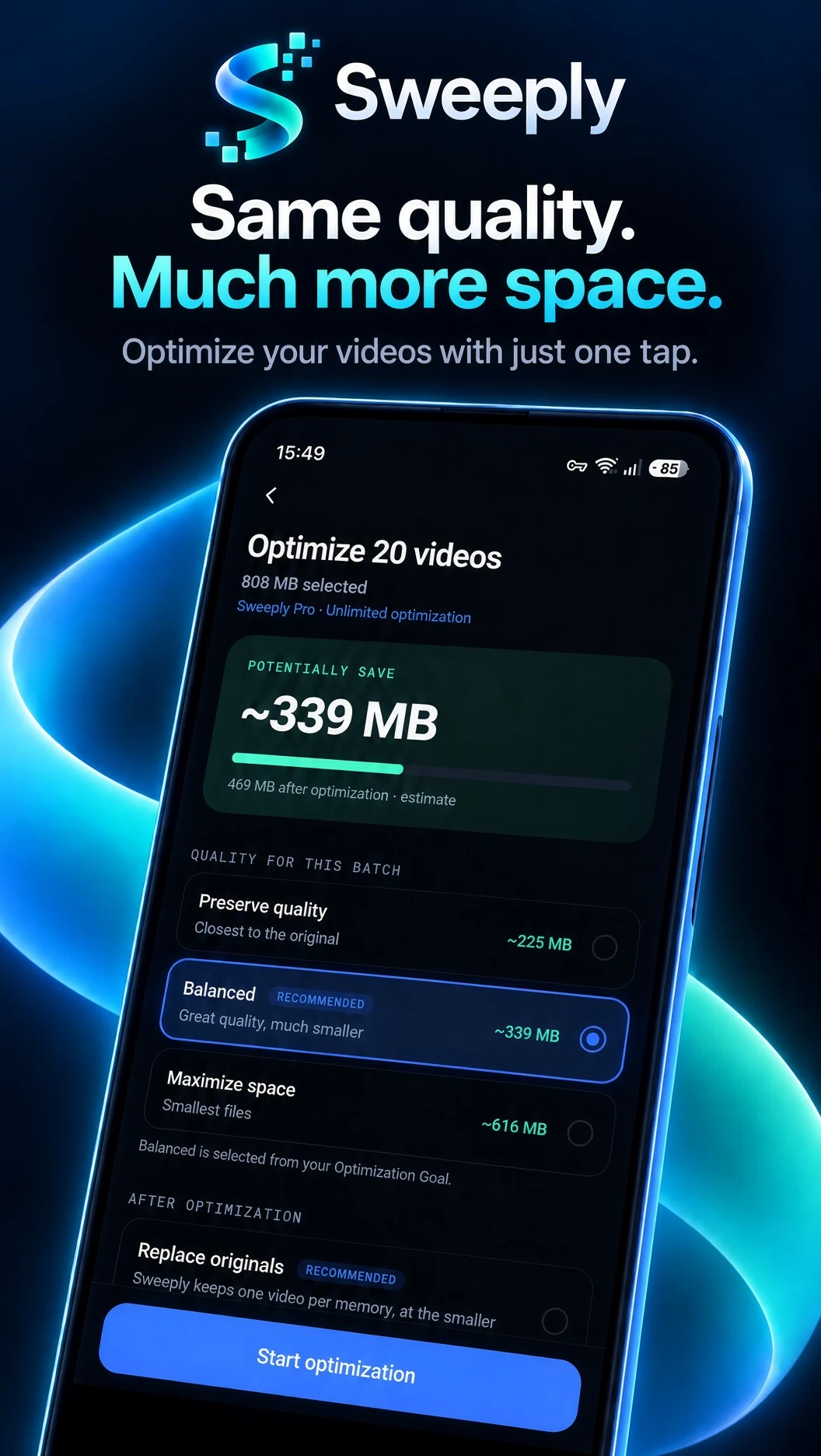
Optimize · settings
Check the result. You decide what changes in your library.
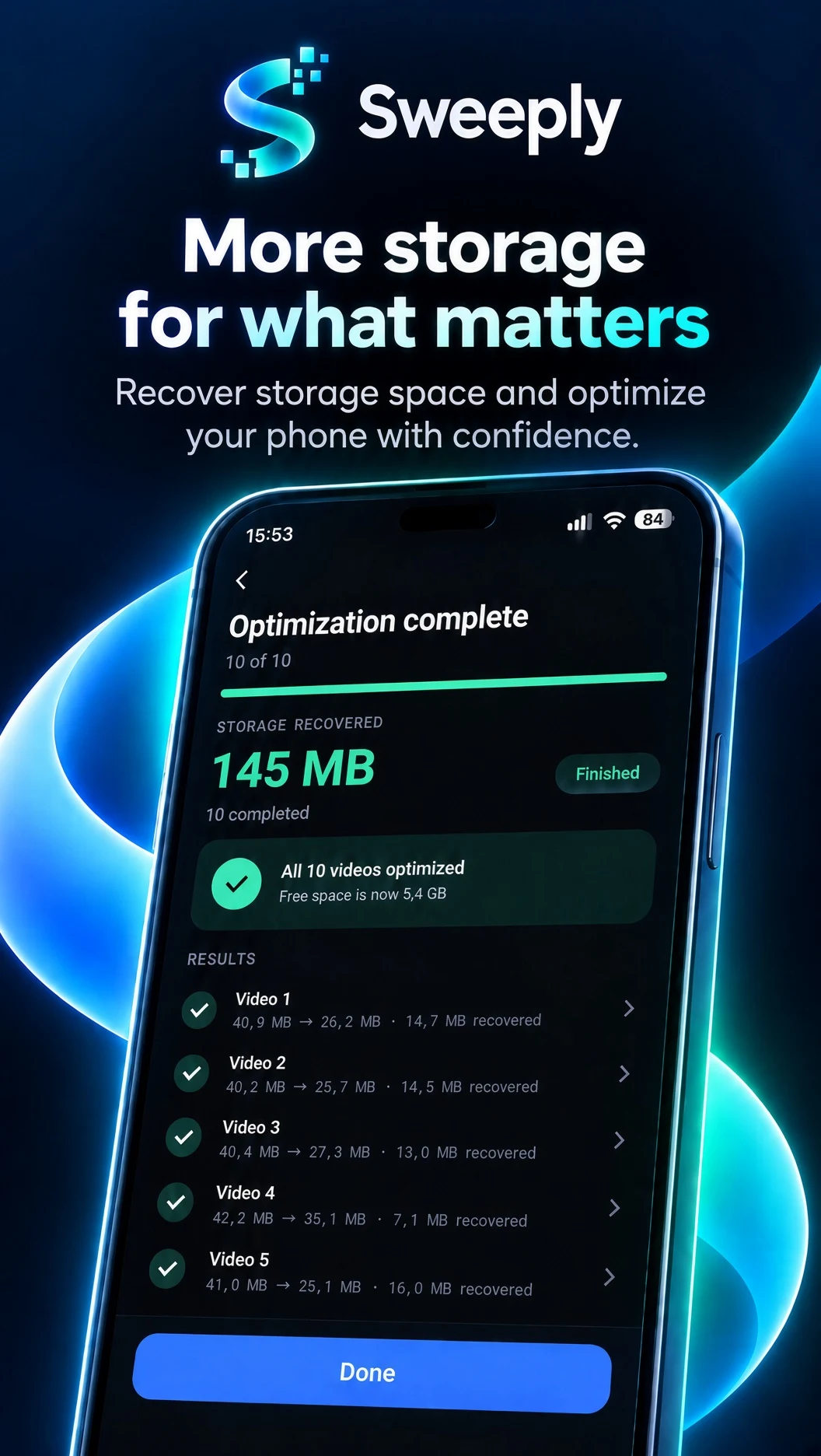
Results · recovered
What we don’t do
Scanning, review, and optimization happen locally. Sweeply has no backend and does not upload your media.